
Cable is dying. Satellite dishes are rusting on rooftops. And somewhere between Netflix raising prices for the fifth time and your sports package costing more than your phone bill, a quieter revolution took over your living room: IPTV.
If you''ve heard the term thrown around but never quite understood what it means — or you''ve seen ads promising "20,000 channels for the price of a coffee" and wondered if it''s legit — this guide is for you. By the end, you''ll know exactly what IPTV is, how it actually works under the hood, what separates a premium IPTV service from a scam, and how to set it up on any device in under 5 minutes.
What Is IPTV, Really?
IPTV stands for Internet Protocol Television. Instead of receiving TV signals through a satellite dish, a coaxial cable, or an antenna, IPTV delivers video content directly through your internet connection — the same pipe that streams Netflix, YouTube, and TikTok.
Think of traditional TV like a radio broadcast: every channel is being beamed at you 24/7, whether you''re watching or not. IPTV flips that model. Channels are sent only when you request them, in real time, packaged in tiny data chunks that your device reassembles into a buttery-smooth video stream.
The result? Lower cost, higher quality, and zero hardware lock-in. No installer, no dish, no two-year contract. Just an app, a subscription, and Wi-Fi.
How IPTV Works (in Plain English)
Here''s the simplified flow when you press play on a channel:
- Source — A live feed (a football match, a news channel, a movie) is captured by the IPTV provider.
- Encoding — The feed is compressed into modern codecs (H.265/HEVC, AV1) so it streams smoothly even on slower connections.
- CDN delivery — A global network of servers caches that stream close to you, so latency stays under 2 seconds.
- Your device — An IPTV player (TiviMate, Smarters, or your TV''s built-in app) decodes the stream and paints the pixels on your screen.
This is why a serious IPTV service feels faster than cable: you''re pulling from a server 50 km away, not a satellite 36,000 km in space.
The 3 Types of IPTV You''ll Encounter
Not all IPTV is the same. Knowing these three categories saves you from buying the wrong service.
- Live IPTV — Real-time channels (sports, news, entertainment). The closest thing to traditional TV.
- Video on Demand (VOD) — A library of movies and series you start whenever you want. Think Netflix-style.
- Time-Shifted IPTV (Catch-Up & DVR) — Rewind, pause, or replay anything that aired in the last 7 days.
A premium provider bundles all three. A weak provider gives you only one and calls it "IPTV."
Why People Are Cutting the Cord for IPTV in 2026
""I cancelled three subscriptions and a 95€ cable bill the day my IPTV box arrived. I''m saving 1,140€ a year and watching more sport in 4K than I ever did before." — Real customer review, March 2026"
The math is brutal for traditional TV. Here''s why the shift accelerated this year:
- Cost — A premium IPTV plan runs $10–$20/month for 20,000+ channels. Cable averages $100+ for a fraction of that.
- 4K is finally standard — Sports, movies, documentaries — all in true UHD with HDR10+ on serious providers.
- Watch anywhere — Same subscription works on your TV, phone, tablet, and laptop. Even on holiday.
- Massive global libraries — US, UK, FR, DE, ES, IT, AR, TR, IN — all included instead of paid add-ons.
- No installer, no hardware — Setup takes 4 minutes. No drilling, no waiting for a technician.

What Separates a Premium IPTV Service from a Scam
The IPTV market is flooded with low-quality resellers. Use this checklist before paying for any service in 2026:
1. Real Anti-Freeze Infrastructure
Cheap providers oversell their servers. The first time a big match starts, the stream dies. Premium services run on enterprise-grade CDNs with adaptive bitrate — meaning the quality auto-adjusts so the stream never freezes.
2. True 4K, Not "HD Upscaled"
Ask for the bitrate. A real 4K stream needs 15–25 Mbps. Anything below that is 1080p with marketing makeup.
3. Multi-Device, Multi-Connection
You should be able to watch on at least 2 devices at once. Single-connection plans are a red flag in 2026.
4. EPG, Catch-Up & VOD
A real Electronic Program Guide (EPG) for the next 7 days, working catch-up, and a VOD library with new releases — that''s the minimum bar.
5. Money-Back Guarantee
A serious provider lets you test the service for 24–48 hours and refunds you if it doesn''t work on your network. Anyone refusing this is hiding something.
How to Set Up IPTV in Under 5 Minutes
The fastest, most reliable setup in 2026 is the same on Firestick, Android TV, Apple TV (via app), Smart TVs, and phones. The flow:
- Choose a player — TiviMate (Android/Firestick) or IPTV Smarters Pro (iOS/everywhere).
- Get your credentials — A premium provider sends you a host URL, username and password by email.
- Add an Xtream Codes playlist in the player using those three values.
- Wait 30 seconds while channels and EPG load.
- Press play. That''s it.
No M3U URLs to copy by hand, no APKs to side-load if you stay with major players. The whole experience is now closer to Netflix than to underground tech.
Devices That Work Best With IPTV in 2026
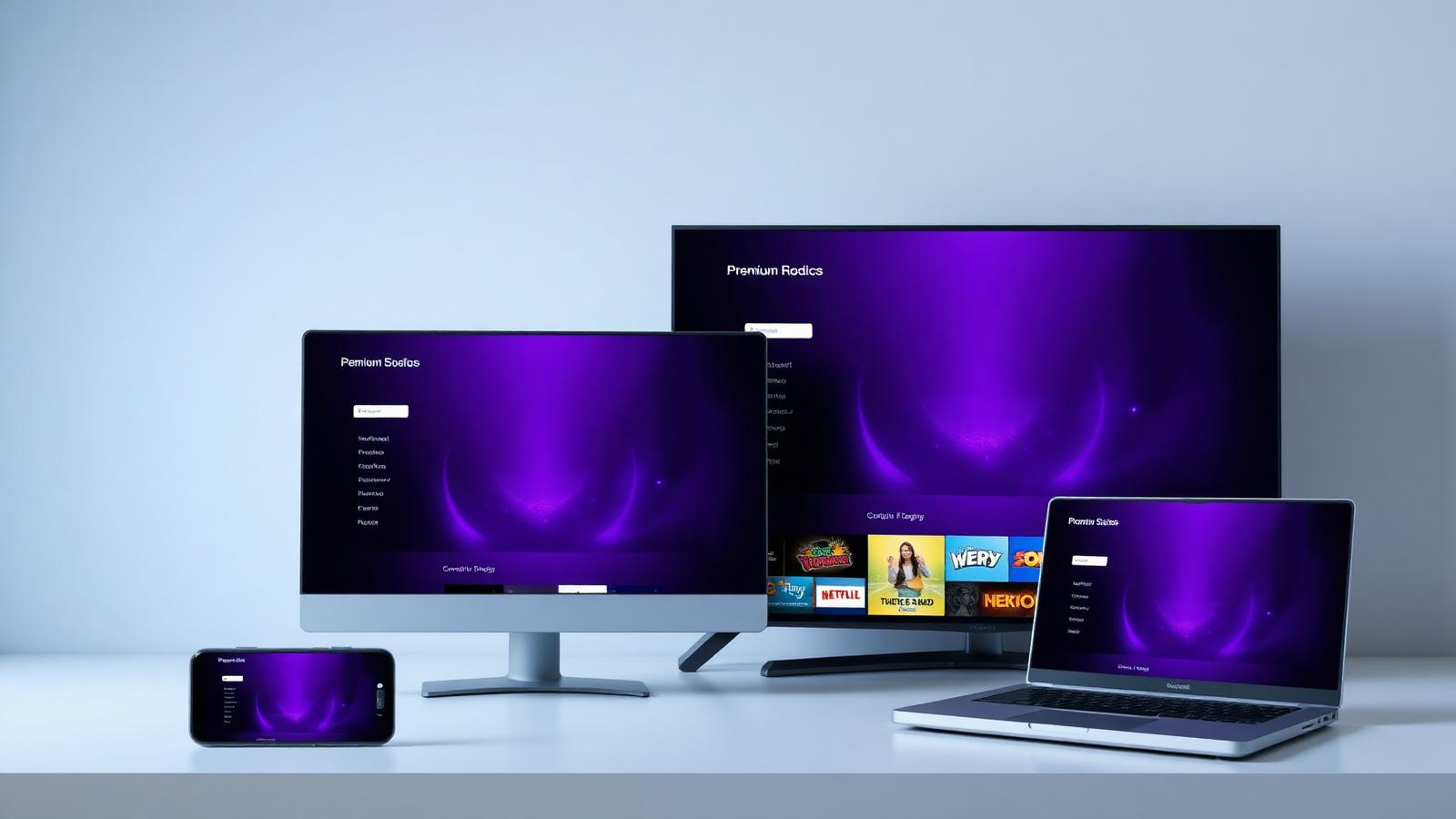
You don''t need to buy anything fancy. But these are the sweet spots:
- Amazon Firestick 4K Max — Best value. Plug it into HDMI, install TiviMate, done.
- NVIDIA Shield Pro — The premium choice for cinephiles. Handles 4K HDR and AV1 effortlessly.
- Smart TV (Samsung/LG with Smarters or built-in player) — Cleanest setup, no extra hardware.
- iPhone / iPad — IPTV Smarters Pro + AirPlay = your entire library on the big screen in seconds.
- MacBook / Windows PC — VLC or Smarters for desktop. Great for travel.
Is IPTV Legal?
Short answer: yes — when you use a licensed, transparent provider. IPTV is a delivery technology, not a piracy tool. The same protocol powers Netflix, Disney+, and your operator''s official app.
What matters is the content rights of the provider. A legitimate IPTV service either holds the broadcasting rights itself or operates as a licensed retransmitter. Avoid anyone selling lifetime plans for the price of a pizza — that''s the universal red flag.
The 5 Mistakes That Ruin Your IPTV Experience
Even on the best service, these kill quality faster than a bad provider would:
- Wi-Fi instead of Ethernet on your main TV. Always cable your primary device.
- A weak router. A 5-year-old router throttles 4K to a slideshow. Upgrade to Wi-Fi 6 minimum.
- A free, leaky DNS. Use 1.1.1.1 or 8.8.8.8 for snappier channel switching.
- The wrong player. TiviMate for Android, Smarters for iOS. Pick the right tool.
- No VPN on public Wi-Fi. Privacy first when you''re traveling.
The Verdict: Should You Switch to IPTV in 2026?
If you watch more than 30 minutes of TV per day, the answer is yes — yesterday. The combination of price, quality, flexibility, and global reach is something traditional TV simply cannot match anymore. The transition has stopped being "the future of TV" — it''s the present, and the gap with cable widens every quarter.
Start with a premium provider that offers a money-back trial, install TiviMate or Smarters, and give it a weekend. You won''t go back.
Frequently Asked Questions
What does IPTV stand for?
IPTV stands for Internet Protocol Television. It delivers TV channels and video content through your internet connection instead of through cable, satellite, or antenna.
Is IPTV better than cable TV?
For most users, yes. IPTV is significantly cheaper, supports true 4K HDR, works on every device, and includes massive global channel libraries that cable services rarely offer without expensive add-ons.
How much internet speed do I need for IPTV?
For HD streams, 10 Mbps is comfortable. For 4K UHD, aim for at least 25 Mbps stable. A wired Ethernet connection on your main TV always outperforms Wi-Fi.
Is IPTV legal?
IPTV itself is a fully legal delivery technology — the same one used by Netflix and Disney+. Legality depends on whether the provider holds proper broadcasting rights. Always choose a transparent, licensed provider.
What devices support IPTV?
Almost everything: Amazon Firestick, Android TV boxes, NVIDIA Shield, Smart TVs (Samsung, LG, Sony), iPhone, iPad, Android phones, MacBook, Windows PCs, and even gaming consoles via apps like VLC.
Do I need a VPN for IPTV?
Not always, but it is recommended on public Wi-Fi and in regions where your ISP throttles streaming. A VPN also protects your privacy and can stabilize buffering caused by ISP routing.
Can I watch IPTV on multiple devices at the same time?
On a premium provider, yes. Look for plans that explicitly allow 2 or more simultaneous connections. Single-connection plans are outdated in 2026.
Ready to upgrade to CatchOn IPTV?
20,000+ live channels, 4K Ultra HD, anti-freeze tech and instant activation. All plans include our 7-day money-back guarantee.
اقرأ التالي

Catch On Streaming in 2026: The Ultimate Guide to Watching Anything, Anywhere
Discover how catch on streaming works in 2026 — devices, setup, 4K channels, and why CatchOn TV delivers the smoothest live and on-demand experience.
CatchOn TV Free Trial 2026: Activate Full 4K Access in 90 Seconds (No Credit Card)
The complete 2026 guide to the CatchOn TV free trial — what's included, how to activate it in 90 seconds, every supported device, and how it compares to Netflix, Hulu, and cable.
CatchOn TV in 2026: The Ultimate Guide to Smarter, Cheaper, Sharper Streaming
Discover what CatchOn TV is in 2026, its channels, pricing, devices, picture quality, and how it beats cable and traditional streaming — with a free trial.
Comments
Just switched from cable. Setup was literally 4 minutes. 4K is insane.
Followed this guide for my Firestick — perfect, thank you!